
A market with a problem to solve
A concerned baker speaks to adventurers beside a sparse bread tray while people gather. Grain storage, a loaded cart and nearby officials give the scene people and places to investigate.
Campaign & story
One existing problem.
Connected stages.
Signs, choices and consequences.

A problem gathers pressure
Connect warning signs and turning points so the party can understand the stakes.
A concerned baker speaks to adventurers beside a sparse bread tray while people gather. Grain storage, a loaded cart and nearby officials give the scene people and places to investigate.
Prepare what drives the problem, its pace and connected events. Keep visible signs and practical interventions beside the consequences of waiting.

A worried queue and a guarded warehouse
People queue for bread while grain sellers call from their stalls. Adventurers study a city map as a crowd gathers outside closed warehouse doors.
Choose the problem kind, stage count and pace. Prepare a visible warning and arrival time for each event.
What you can prepare
Keep the growing problem understandable with details you can revise.
Describe a problem already present in the campaign and the stakes around it. Give the escalation a clear starting point.
Prepare social, political, economic, magical, natural, criminal, personal or creature-driven escalation.
Choose three, four or five connected stages. Keep each event rising logically from the one before it.
Set a slow, steady or fast pace. Keep stage arrival times beside the events and warnings they bring.
Choose the pressure behind the problem and who is at its centre. Keep the driver consistent across the stages.
Prepare a sign people can notice at every stage. Give players information they can use when deciding whether to act.
Prepare practical ways to defuse the problem. Choose whether that opportunity lasts only early on or until the end.
Review the point of no return, what happens if the problem is ignored, aftermath and the hooks that remain.
Save and reopen escalations and versions. Lock useful sections, change or edit others and keep the sequence together.
Copy, download or print the Dungeon Master view or player-facing visible signs. Review the chosen material before sharing.

A sequence with routes to intervene
Miniatures trace grain supplies, bread queues and a crowd around a fire. Golden arrows lead toward market and boat alternatives or a locked red gate.
Set the driver and pace, then review each event, warning and time. Keep practical defusing opportunities beside the point of no return.
Quick setup. Deeper preparation.
Choose the pace and turning points, then add the local people and context.
Describe what is already wrong and the stakes involved. Choose the kind, three to five stages and a slow, steady or fast pace.
Set what pushes the problem forward and name who is at its centre. Keep each stage connected to the same pressure.
Choose whether intervention remains possible only early on or until the end. Review warning signs, arrival times and practical opportunities.
Supply things to avoid and private Dungeon Master context. Lock useful sections, change or edit others and save versions.

Repairs, grain deliveries and shared bread
A damaged market is being repaired while grain arrives by wagon. A baker hands bread to children, and adventurers discuss documents beside an opened warehouse.
Review what happens if the problem is ignored, its aftermath and the hooks that remain. Let player choices shape how the prepared stages enter play.
Saved escalations and table references
Review the selected view before sharing it with your group.
Save and reopen escalations with the driver, stages, timing, warning signs, interventions, breaking point and consequences together.
Lock useful sections and change or edit others. Save versions so you can return to an earlier shape of the sequence.
Choose complete Dungeon Master material or player-facing visible signs. Hidden drivers and future stages are omitted from the player view; review the selected material.
Copy or download the selected view, or print a table reference. Keep private context appropriate for the chosen audience.
Your desktop and related products
Open products through your account and bring the selected material to the table.

Open your VISINVOKE products through one signed-in Windows desktop workspace.
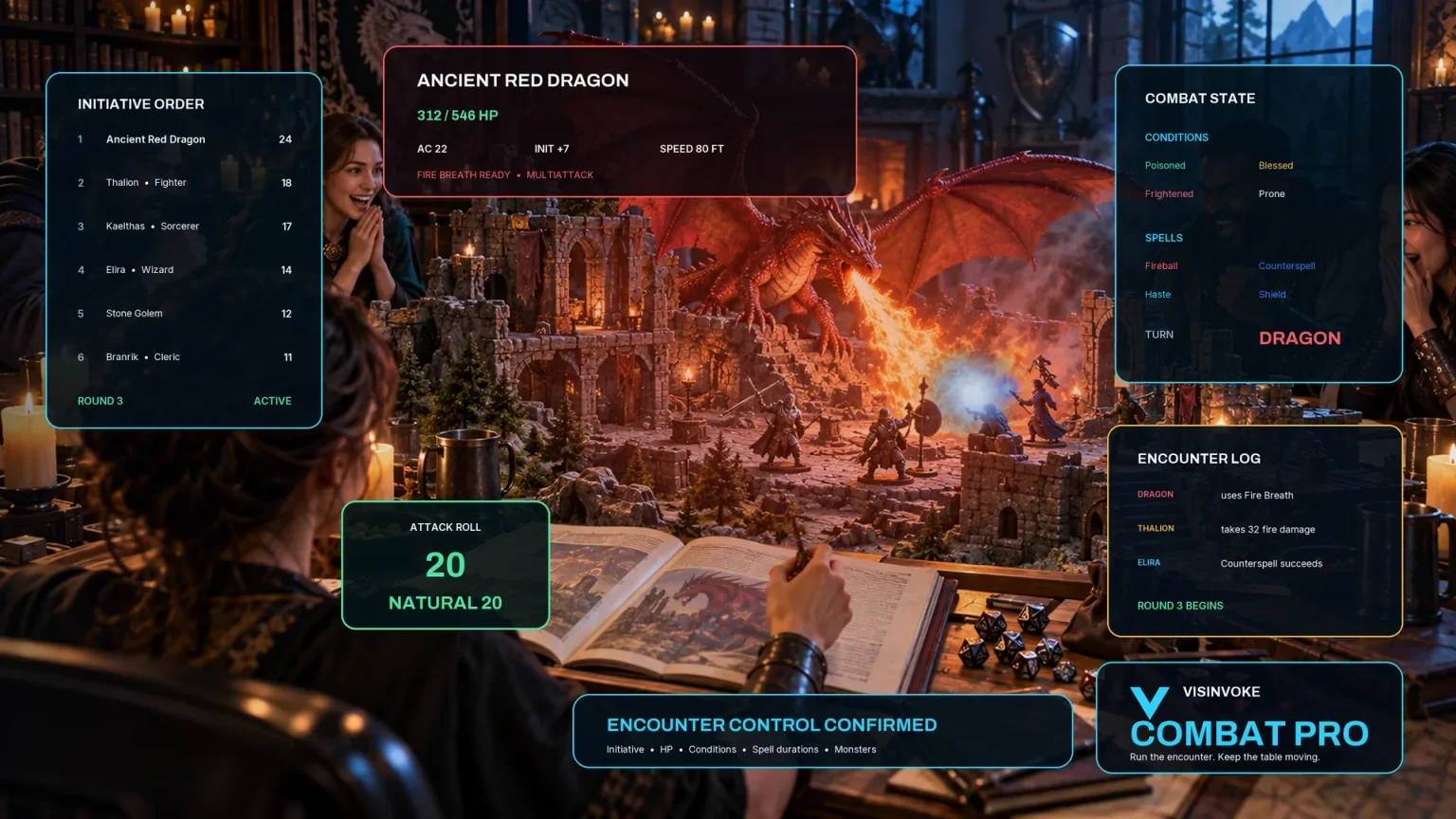
Use the dedicated encounter workspace for combat and keep campaign escalations with your references.
Artwork illustrates fictional campaign problems and related products, not application screens.
Questions and answers
Problem kinds, stages, interventions, saved sequences and audience views at a glance.
One existing problem developing through three to five connected stages. Keep the driver, events, warnings, arrival times, practical interventions, point of no return, consequences and future hooks together.
Describe the existing problem and choose its kind, stage count and pace. Add what drives it, who is at the centre, things to avoid and private context for deeper preparation.
Social, political, economic, magical, natural, criminal, personal and creature-driven problems. Choose a slow, steady or fast pace and three, four or five stages.
Each stage includes visible signs and a practical opportunity to defuse the problem. Choose whether defusing remains possible only early on or until the end. Players decide when and how to intervene.
Save and reopen escalations and versions, lock favourite sections and change or edit others. Copy, download or print the selected view. The player-facing visible signs omit hidden drivers and future stages; review the material before sharing.
Open the Generators collection in Desktop Control Centre on Windows through your VISINVOKE account. Review individual subscription access and current pricing in your account. Creating a free account is separate from paid generator access.
Continue in VISINVOKE
Create a free VISINVOKE account or sign in to your existing account. Get Desktop Control Centre through your account installer page.
Open the Generators collection on Windows. Review current subscription and access details in your account.